Change My Email Address on PayItBrowardClerk
You can use the steps listed below to change the email address on your profile:
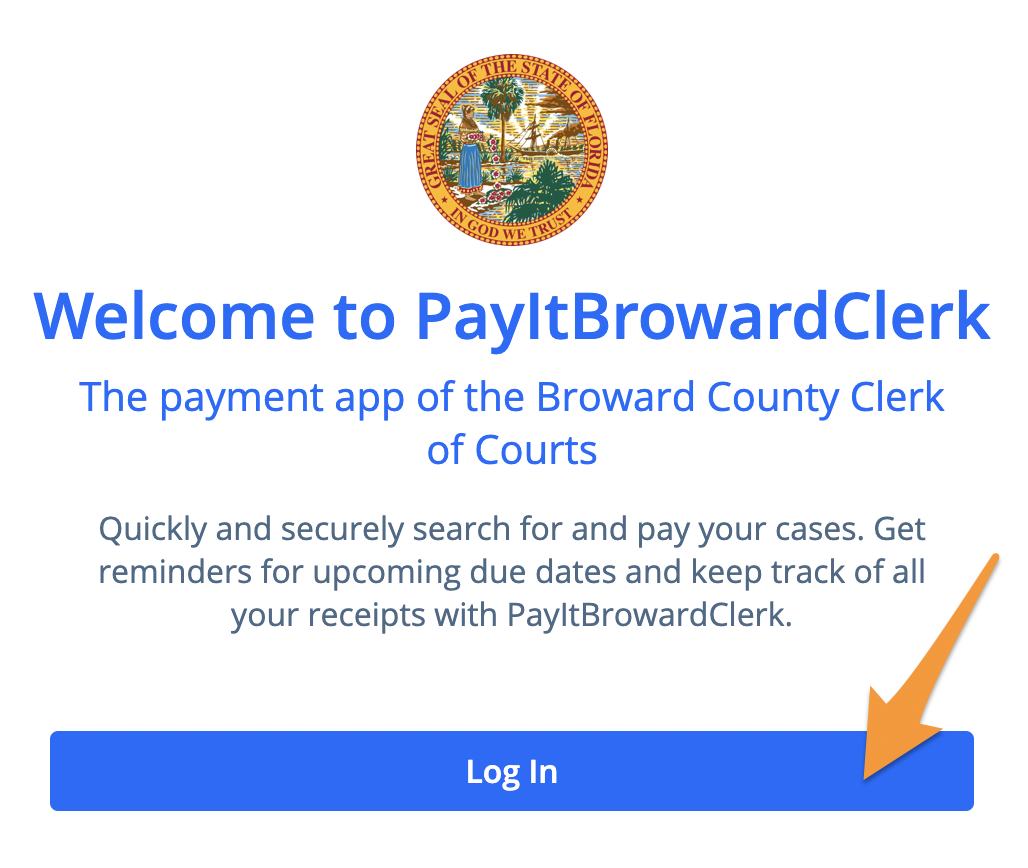
- Log in to your PayItBrowardClerk profile
- Select the round Profile icon located on the top righthand corner of your screen

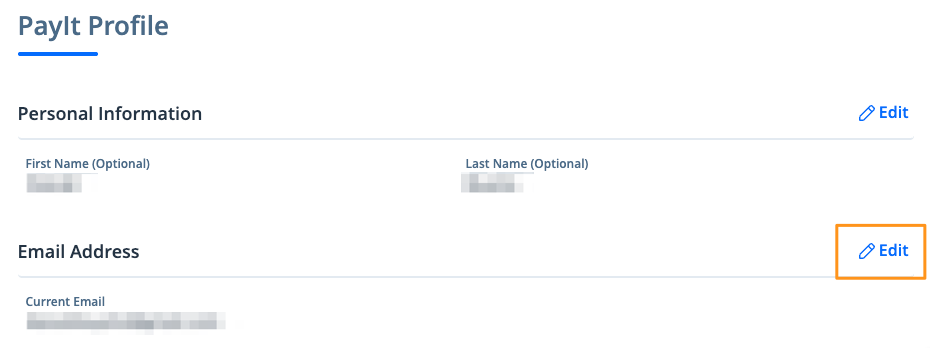
- Scroll down to the section that contains your PayIt Login Information and click the "Edit" link located above your email address
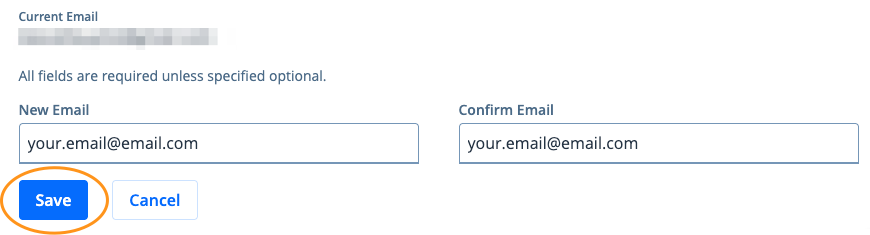
- Enter and confirm your new email address and click the "Save" button