
Find a Broward County Court Ticket on PayItBrowardClerk
PayItBrowardClerk makes it easy to search for your case or citation and pay online. Follow the instructions below to get started:
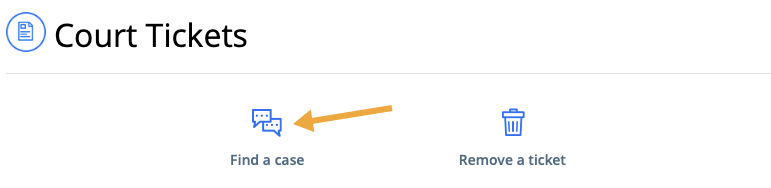
- Sign into PayItBrowardClerk and click Find a case
2. Find your case using the Party Name, Case Number or Citation Number and click the blue Searchbutton

-
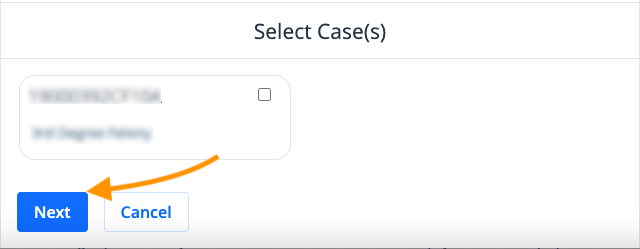
Confirm and select the case or citation by clicking the blue circle and click Next
-
Choose Pay to begin the payment process or Find another case(s)to locate additional cases
